If you are an administrator or end user on a computer with DriveLock Agents, you can get information about the current status of the Agent and its configuration in several ways.
-
Command line command
Open a command line window and type
drivelock -showstatus: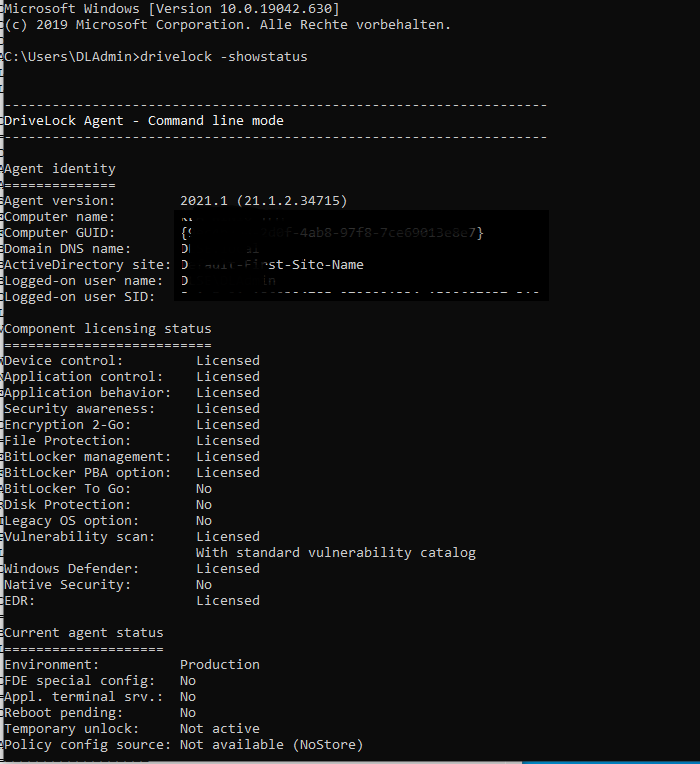
You will receive detailed information about the licenses, configuration and status of the individual components.
-
Via the taskbar icon on the DriveLock Agent:
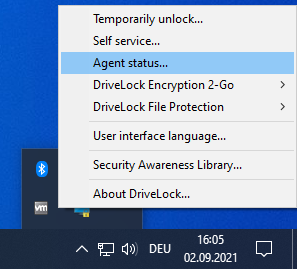
Select Agent status....
This opens a new window, where you can also see detailed information in the same way:
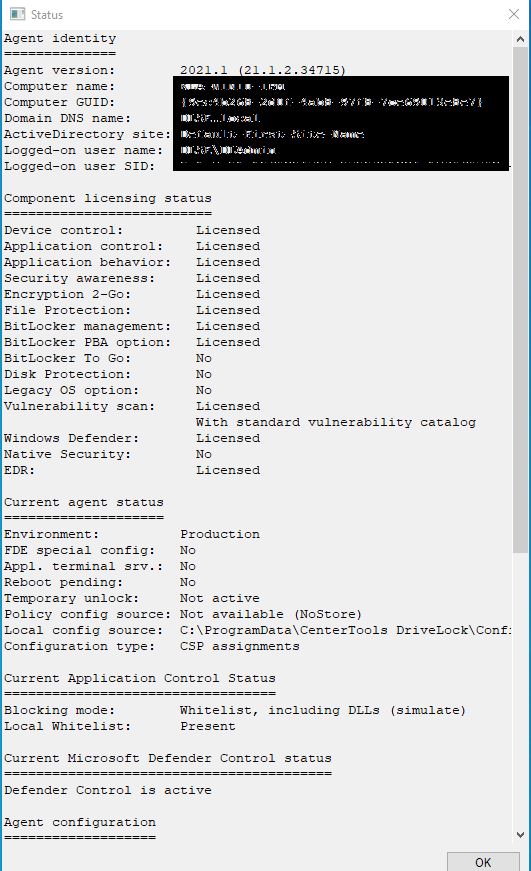
You can select this text and use it via copy & paste.