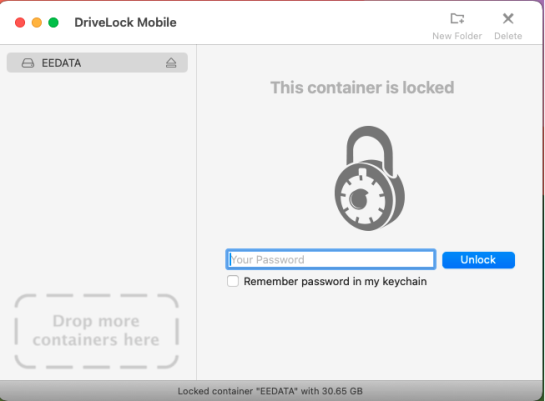
Automatic mounting of encrypted containers under macOS
New containers are automatically mounted in the DriveLock Mobile Application (MEA). When connecting an encrypted USB flash drive whose password is stored in the keychain or which has been encrypted with the administrator password, the containers are also automatically recognized and mounted.
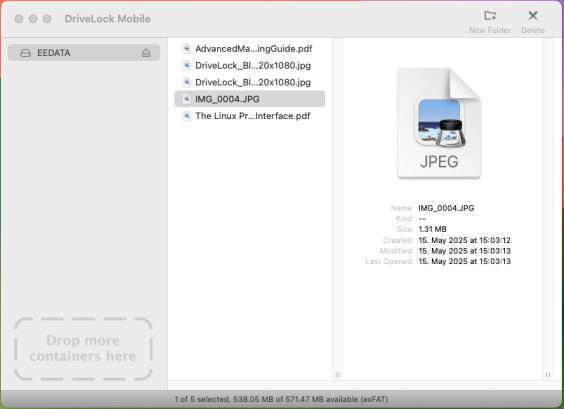
If this is not the case, DriveLock Mobile opens the dialog window prompting the user to enter the password.