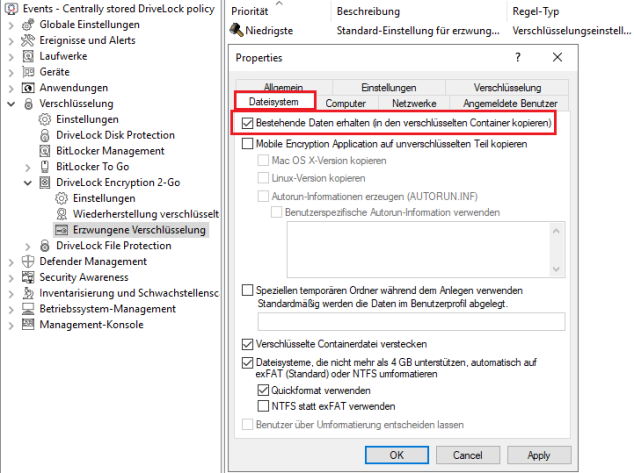
Options for an encryption rule under macOS
The rule with the default enforced encryption settings is always available. If required, you can create additional rules for specific logged-in users, groups, computers or networks. See some use cases.
In the policy editor of the DriveLock Management Console (DMC), go to the Enforce encryption subnode, select New, and then choose Encryption rule.
-
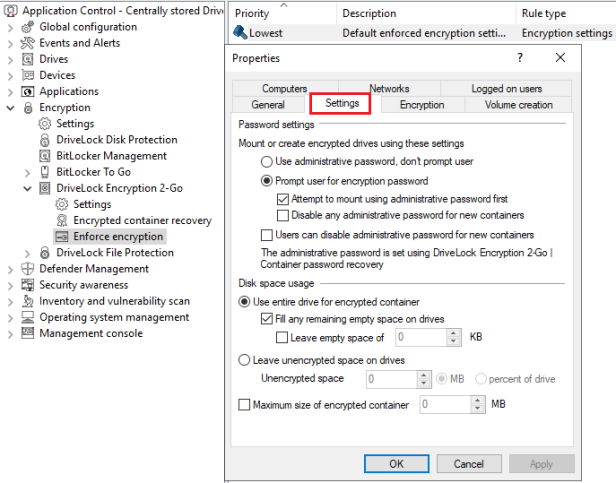
On the Settings tab, all options are available under macOS.
-
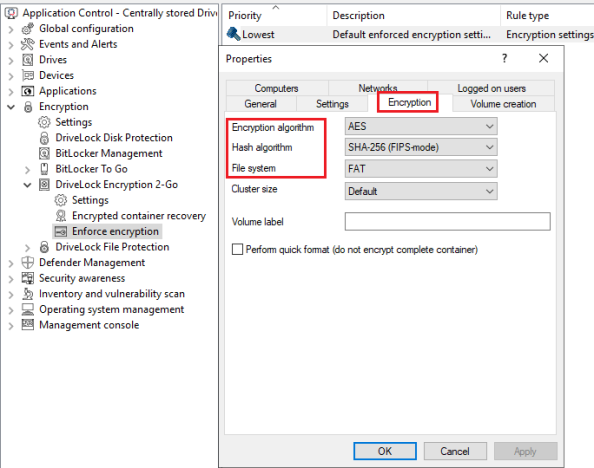
On the Encryption tab, the encryption algorithm, hash algorithm and file system options are supported under macOS. The file system options are limited to FAT and exFAT. If you select NTFS, exFAT is automatically used. The cluster size, volume label and quick format options are not supported.
-
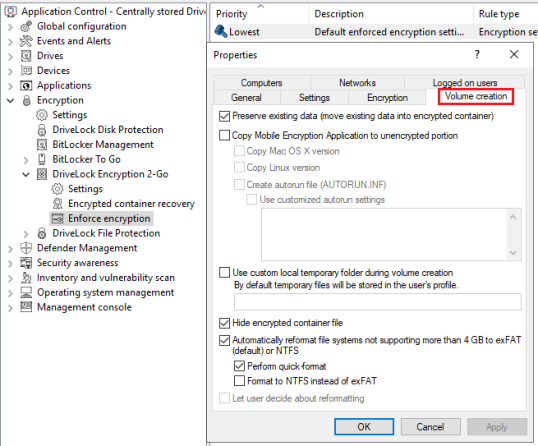
On the Volume creationtab, you can only select the Preserve existing data option under macOS for now.