Microsoft Defender Management in the DOC
In the DriveLock Operations Center (DOC), the status of Microsoft Defender on the agents can be checked in the Security controls under Antivirus.
The DOC Dashboard also displays the Microsoft Defender status with various widgets. If the antivirus dashboard is not displayed automatically, you can add it using the corresponding dashboard template.
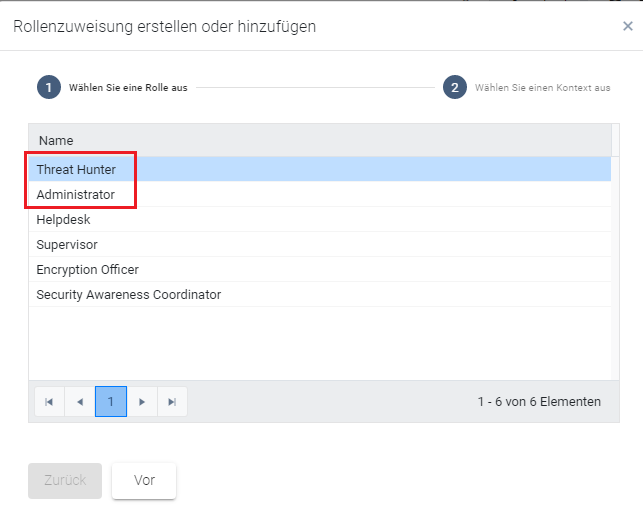
To be able to see this view, you need the Administrator or Threat Hunter role (see figure).