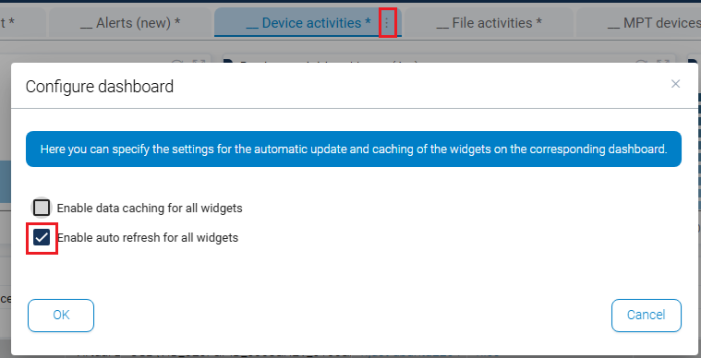
Automatic widget refresh
The DOC console dashboards now support automatic refreshing (auto-refresh) to support specific monitoring scenarios, such as in SOC environments or on large screens.
Functionality
-
Auto-refresh can be enabled for each dashboard tab.
-
When activated, all widgets in the tab are automatically refreshed at defined intervals (default: 300 seconds).
-
The refresh intervals can be freely configured.
-
Widgets are not refreshed at the same time, but according to their individual “data age”.
Requirements
-
Activate refresh globally
This function needs to be enabled for all tenants:
Backend → Tenant settings → Widget and dashboard options → Automatic dashboard refresh
Make sure to save the configuration after you have activated it.
-
Activate refresh for each dashboard tab
In the dashboard configuration, you can specify for each tab if it is to be refreshed automatically and at what interval.