Configuring widgets
General settings
When editing a widget, you can adjust its name, description, and other properties. The preview updates immediately and reflects all changes in real time.
Define filters
A widget can be restricted by applying filters. An editor is available for adding individual or multiple conditions.
Add condition: Adds a single property as a filter condition.
Select multiple properties: Allows selecting several properties at once, which are then turned into filter conditions.
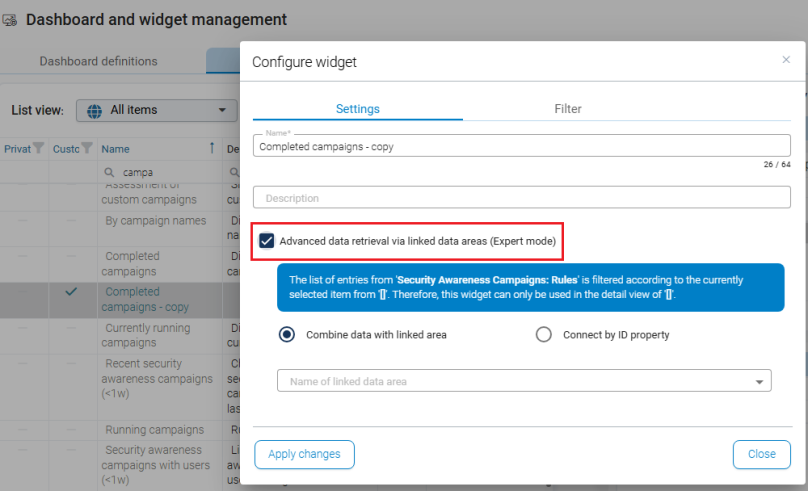
Advanced data retrieval (expert mode)
The advanced mode allows retrieving data from linked schemas (data areas). The existing filter is automatically extended by the selected object. This function is intended for complex widget scenarios and should only be used when the structure of the schemas is well understood.